
1. The Preview-Then-Handoff Model
Spectral ray tracing through high-refractive-index gemstones with 20–50 internal bounces is computationally demanding. While modern desktop GPUs can render interactive previews, high-resolution 8K stills or batch catalogue sweeps benefit immensely from dedicated compute servers.
However, streaming every interactive viewport frame across a network introduces input latency. Indicatrix solves this with an elegant Preview-Then-Handoff state machine:
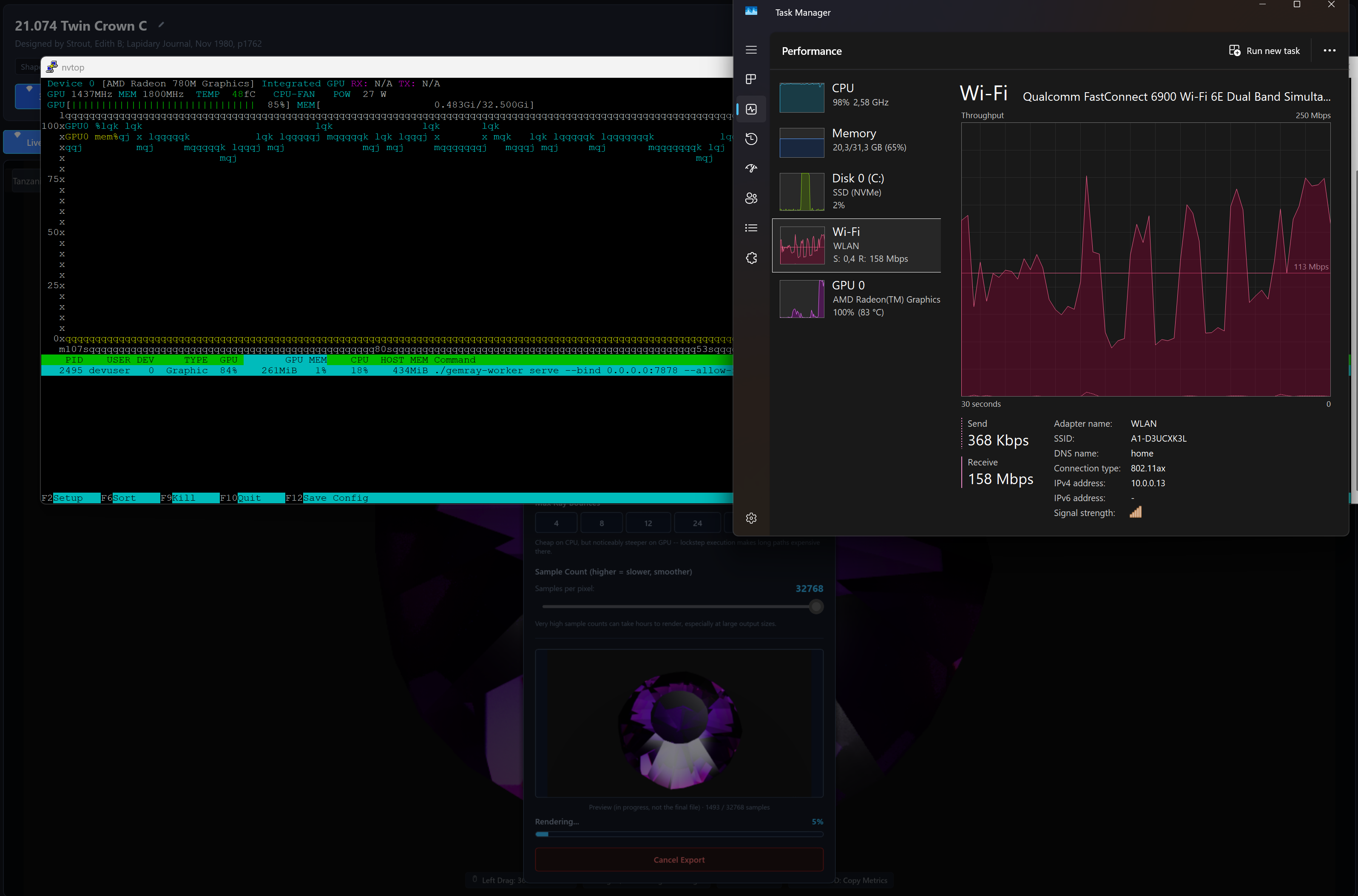
- Interactive Phase (Local): While the user orbits, zooms, or adjusts lights, the local CPU/GPU renders low-sample preview frames with zero latency.
- Settle Detection: When camera movement stops for a few hundred milliseconds, the client captures primary-ray albedo/normal guide passes locally.
- Handoff Phase (Remote): The client sends a compact
SceneStatepacket (a few kilobytes viapostcard) to the remote worker. The remote GPU traces high-sample deltas at full speed and streams radiance buffers back over mutual TLS. - Seamless Blend: Remote radiance buffers are folded directly into the client's local accumulation buffer, converging to a noise-free render in seconds.
2. Sample-Range Additivity vs. Screen Tiles
Traditional distributed renderers split images into rectangular screen-space tiles. In gemstone rendering, this creates severe load imbalance:
- Tiles covering the dark background finish in microseconds (0 bounces).
- Tiles covering the gemstone table must trace 50 internal reflections and complex Sellmeier dispersion, taking orders of magnitude longer.
Indicatrix partitions work by sample index range across the entire frame. For example:
Node A traces samples [0, 64)
Node B traces samples [64, 128)
Node C traces samples [128, 192)
Because the per-sample RNG seed is a pure deterministic function hash(pixel_index, sample_number), sample contributions are strictly additive and order-independent:
Radiance_Total = ∑ Radiance(sample_i) for i ∈ [0, N)
There are zero tile seams, zero boundary stitching artifacts, and load balancing across heterogeneous machines (e.g. a laptop paired with a 64-core threadripper and a remote RTX 4090) is 100% linear.
3. Mutual TLS (mTLS) Security & Token Enrollment
Remote computation runs over a custom binary framing protocol defined in crates/indicatrix-net. Security is uncompromising:
- Strict TLS 1.3 Only: Powered by
rustlswith the auditedringcrypto provider. Legacy TLS 1.2 is disabled at compile time. - Mutual Authentication (mTLS): Both the client and the worker verify each other's cryptographic x509 certificates. Rogue clients cannot steal render compute, and rogue servers cannot spoof library catalogs.
- One-Time Enrollment Tokens: No complex manual OpenSSL commands! Run
indicatrix-worker enrollto generate a short-lived token. Paste the token into the Desktop app, and the client automatically generates keys, requests a signed certificate from the worker CA, and pins the server fingerprint. - Build Hash Integrity Gate: The connection handshake exchanges
INDICATRIX_BUILD_ID(a 64-bit FNV-1a hash of all physics code and WGSL compute shaders). If the client and worker physics differ by even a single byte, the connection safely aborts to prevent silent corruption of accumulated samples.
4. Headless CLI Rendering (`indicatrix-worker`)
indicatrix-worker can also operate completely headlessly for render farms, CI/CD pipelines, and cloud instances:
# Render an 8K image at 1024 SPP with the GPU megakernel
cargo run -p indicatrix-worker --features worker,gpu -- render \
  --scene design_scene.json \
  --out diamond_render_8k.png \
  --width 7680 \
  --height 4320 \
  --samples 1024 \
  --bounces 24
5. Quick Setup: Pairing Desktop with a Worker
# 1. Initialize server PKI certificate authority
cargo run -p indicatrix-worker -- cert init --common-name "GemComputeNode1"

# 2. Start the daemon with GPU rendering capacity
cargo run -p indicatrix-worker --features worker,gpu -- serve --bind 0.0.0.0:9443

# 3. Generate a one-time enrollment token for your desktop
cargo run -p indicatrix-worker -- enroll create --ttl 15m
In indicatrix-cut, click the Remote Workers button in the top toolbar. Enter the server's IP address (e.g. 192.168.1.50:9443) and paste the enrollment token. The app automatically completes the mTLS handshake and begins offloading renders immediately!